theos
下载地址:
git clone --recursive <https://github.com/theos/theos.git> ~/theos配置环境变量:

- 执行
source .bash_profile命令,立即生效
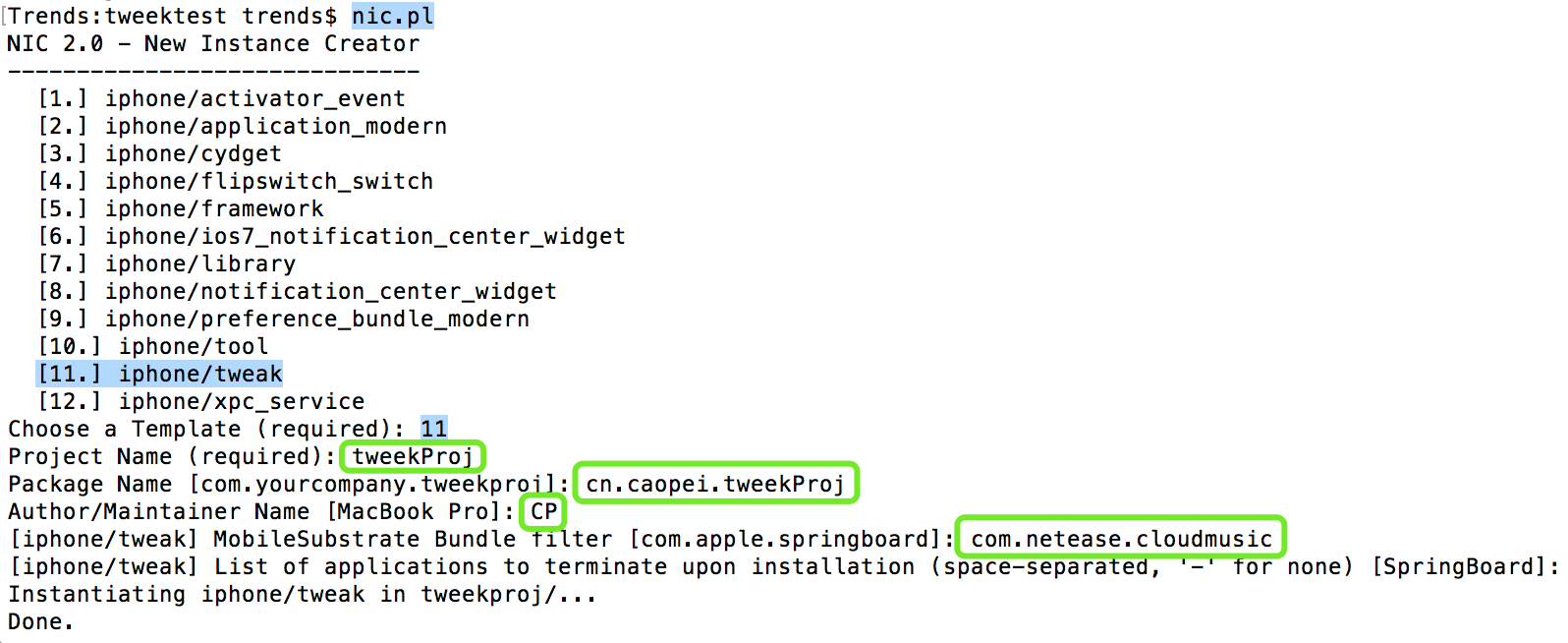
创建tweek项目
- 执行
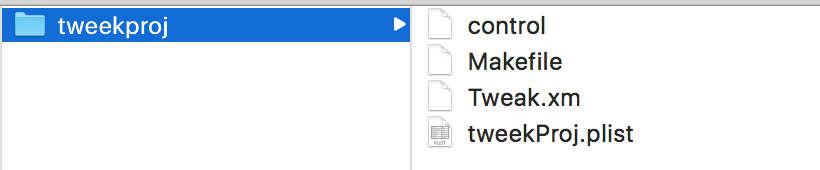
nic.pl命令,选择11创建 tweek 项目 - 填写项目信息
- 执行
打开 Makefile文件,添加通过 USB 连接 iPhone 所需的端口号等信息
export THEOS_DEVICE_IP = localhost(IP地址)export THEOS_DEVICE_PORT = 10010【可配置到~/.bash_profile】
在
Tweak.xm文件内编写 hook 程序。- Logos语法:
@hook @end、@new、@orig、@ctor{程序启动时} @dtor{程序结束时}; - 程序秒退:
abort(); - 图片资源放置路径:项目文件
/layout/Library/Caches/。 - 使用时:"
/Library/Caches/imageName"。- 宏定义图片资源路径:使用起来更方便。
\#define CPFile(path) @"/Library/Caches/" #path- 使用时:
imageName。
- 使用时:
- 宏定义图片资源路径:使用起来更方便。
- 使用时:"
- 多文件开发
- 修改
wechatweak_FILES = src/Tweak.xm src/model/*.m- Import @“model/Person.h”
- 修改
- 安装 Release 版本:
make package debug=0 - 使用
@new定义一个新方法时,需要提前在@interface中声明一下
- Logos语法:
编译
- 来到项目文件执行
make指令
- 解决方案:
sudo xcode-select --switch /Applications/Xcode.app
- 解决方案:

- 解决方案:
brew install ldid
- 解决方案:
- 来到项目文件执行
打包:
make package安装插件:
make install卸载插件
Device/Libraey/MobilSubstrate/DynamicLibraries删除插件文件- 通过 Cydia 工具卸载插件
参考文献:
第3章 MacOS工具集